Table of Contents
1. Three layers of speed2. Node selection matters3. Protocol and local network4. Measurements and advice
Same broadband, one user runs at full speed after connecting, another barely loads a page. The gap is usually not the tool but node selection, protocol and local network — three easy-to-overlook layers. Green Tea Accelerator breaks speed optimization into three actionable levels so users can reclaim speed themselves.
Speed is the most sensitive experience. Understanding where it comes from and where it leaks beats blindly switching nodes.
1. Three layers of speed
Final speed is decided by three layers: client-to-node link quality, node-to-target return quality, and the local network ceiling. Users directly control the first; smart routing optimizes the first two to the current best.
| Layer | Impact | Controllable |
|---|---|---|
| Client to node | Latency, loss | Yes, node choice |
| Node to target | Return quality | By scheduler |
| Local network | Bandwidth ceiling | Yes, user |
2. Node selection matters
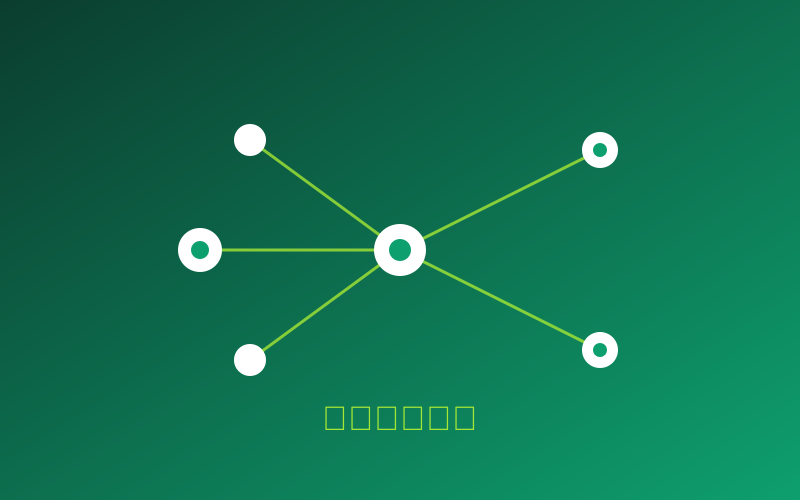
Closer nodes usually mean lower latency, but not always faster speed — bandwidth and load also count. Smart speed tests score nodes by latency, loss and load, recommending "fastest now" rather than "nearest".
Don't insist on the nearest node. A slightly farther node with low load often beats a congested nearby one. Let smart routing choose instead of blind manual picks.
3. Protocol and local network
Protocols trade speed against anti-interference. Auto is usually enough daily; manual switching helps in specific environments with clear slowdowns.
Local network matters too. Using 5GHz instead of 2.4GHz Wi-Fi, closing bandwidth-hungry background downloads and checking the router isn't overheating — these small acts often exceed expectations.
4. Measurements and advice
One user on 100M broadband got only 30M when manually picking the nearest node, but a stable 70M+ after switching to smart routing recommendations. The gap came from node load — the manually picked node was a peak-hour congested line.
| Method | Measured speed | Latency |
|---|---|---|
| Manual nearest node | 30 Mbps | 45ms |
| Smart routing | 70+ Mbps | 28ms |
The priority is clear: let smart routing pick first, check local network next, then consider manual protocol switching. To try it, download Green Tea VPN and enable smart speed test.
Comments (3)
Switching to 5GHz Wi-Fi really helped.
The measured data is convincing.


Learned the nearest node isn't always fastest.